


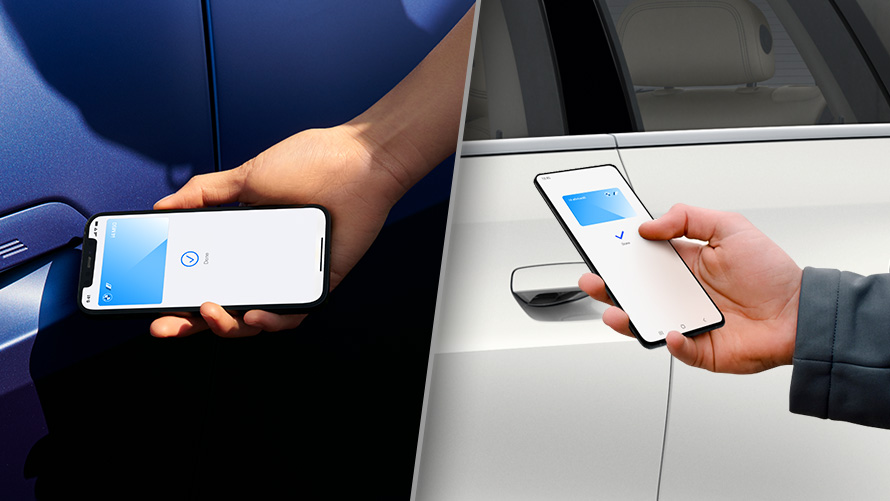
With the optional Comfort Access and the Digital Key Plus, you can add a vehicle key to your compatible iPhone or Apple Watch to lock, unlock, and start your BMW.
To create the main key for your BMW, a BMW iD with a linked vehicle is required. You must complete the set up before pressing the Start/Stop button. It’s important to have both physical keys with you inside the BMW.
From the My BMW App on your phone, go to the Vehicle tab and tap the Digital Key Plus prompt. Follow the instructions on your phone to begin the process.
Once the pairing is done, you will receive a notification on your phone and the key will be added to your Apple Wallet.
You can complete this process via the set-up email provided to you once completed setting up your My BMW App account.
![[Facebook]](https://www.passportbmw.com/blogs/846/wp-content/plugins/bookmarkify/facebook.png)
![[LinkedIn]](https://www.passportbmw.com/blogs/846/wp-content/plugins/bookmarkify/linkedin.png)
![[Twitter]](https://www.passportbmw.com/blogs/846/wp-content/plugins/bookmarkify/twitter.png)
![[Yahoo!]](https://www.passportbmw.com/blogs/846/wp-content/plugins/bookmarkify/yahoo.png)
![[Email]](https://www.passportbmw.com/blogs/846/wp-content/plugins/bookmarkify/email.png)
Connect with us


